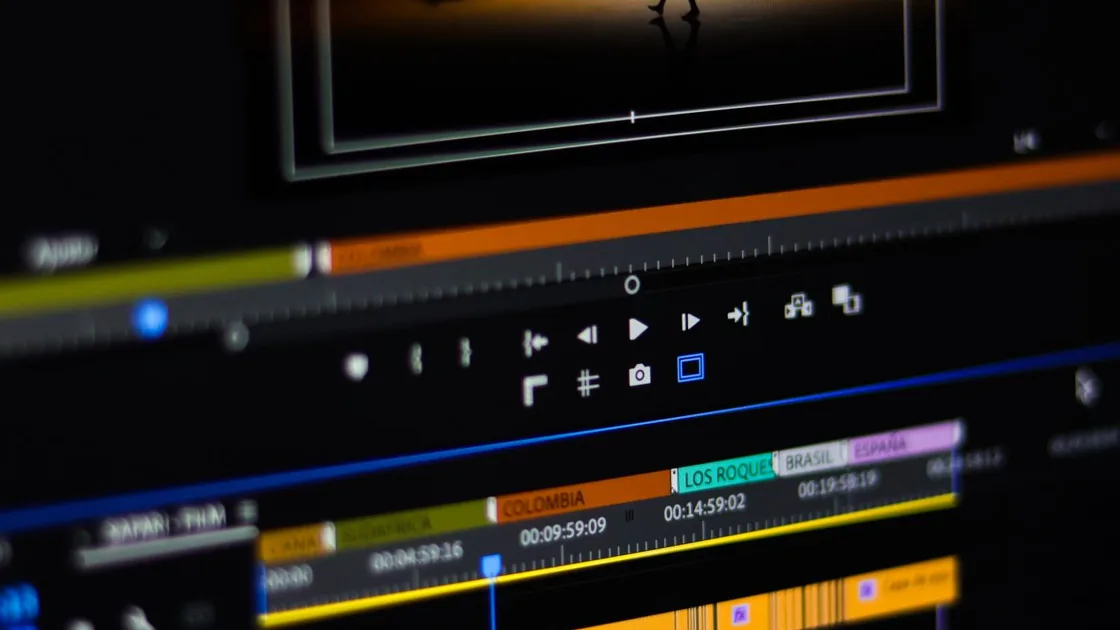
If you want to turn long videos into YouTube Shorts, start by choosing what each clip should teach, show, or answer. A vertical crop of a good episode can still make a confusing Short. The viewer has not seen the introduction, may not recognize the guest, and will not know what “that” refers to. Give the clip enough context to work on its own before you worry about captions or effects.
Choose moments with a beginning and a payoff
Scan a transcript or scrub the timeline and mark three kinds of moments: an answer to a question your audience actually asks, a demonstration with a visible result, and a short story with a clear turning point. Give each candidate one sentence of intent. If you need two or three sentences to explain what the clip is about, it may contain more than one Short.
For example, imagine a 24-minute episode about recording interviews at home. At 06:40 the host explains why a microphone sounds distant, then moves it closer and replays the result. That is a useful clip because the audience can hear the difference. The segment at 12:15 may be funny to longtime viewers, but if it depends on a running joke from last month, leave it for the full episode or write an opening that gives it context.
Build the brief around the finished clips
When you outsource YouTube Shorts editing, share the original footage or an approved master, plus any separate audio, brand assets, and music you have permission to use. Send the transcript if you have one. If you want the editor to select moments, say that explicitly: reviewing a full episode is part of the work. If you already have candidates, label them as suggestions or required moments so the editor knows how much freedom they have.
- Source: One 24-minute interview, with separate host and guest audio if available.
- Deliverables: Three vertical Shorts, one idea per clip, with readable captions and a versioned filename.
- Priorities: Open with the question, the result, or the most useful sentence. Preserve the speaker’s meaning. Keep graphics simple enough to read on a phone.
- Review: Approve one sample first, then give one consolidated set of notes with timestamps before the remaining clips are finished.
The footage handoff checklist can help you organize the files and references. If the team also needs help moving clips from approved edits into a posting calendar, define that separately using our content publishing guide.
Review the framing, captions, and sound on a phone
A two-person interview may need separate crops or a stacked layout, while a screen tutorial often needs a zoomed-in detail, an insert, or a new vertical screen capture. Check that faces, text, and the part of the screen being demonstrated remain visible. Leave room around important captions and graphics for the platform interface. Avoid cutting to another angle simply because the original is wide; use the shot that makes the point easiest to follow.
Watch the clip once with sound off and once with sound on. Fix proper names, missing negatives, and captions that appear too early. Listen for uneven dialogue levels and abrupt music cuts. Then ask someone unfamiliar with the full video to tell you what they learned. If the opening promises an answer they never hear, revise the cut before polishing the graphics.
Give each export a destination
Name clips by episode and idea so the person uploading them can match each file to its title and caption. Decide who handles upload, final checks, and the link back to the source. In YouTube Studio, eligible channels can add a related video to a Short. Use that option where the full episode offers a useful next step. If you also post to other platforms, confirm that the framing, captions, music permissions, and call to action suit each destination.
Start with one episode and a small batch. Note which ideas viewers respond to and which edits took extra review. That gives you better material for the next brief than simply asking for more clips.
Have an episode ready? Explore our YouTube and content editing services or send AYMS your source length and clip goals so we can discuss the scope.